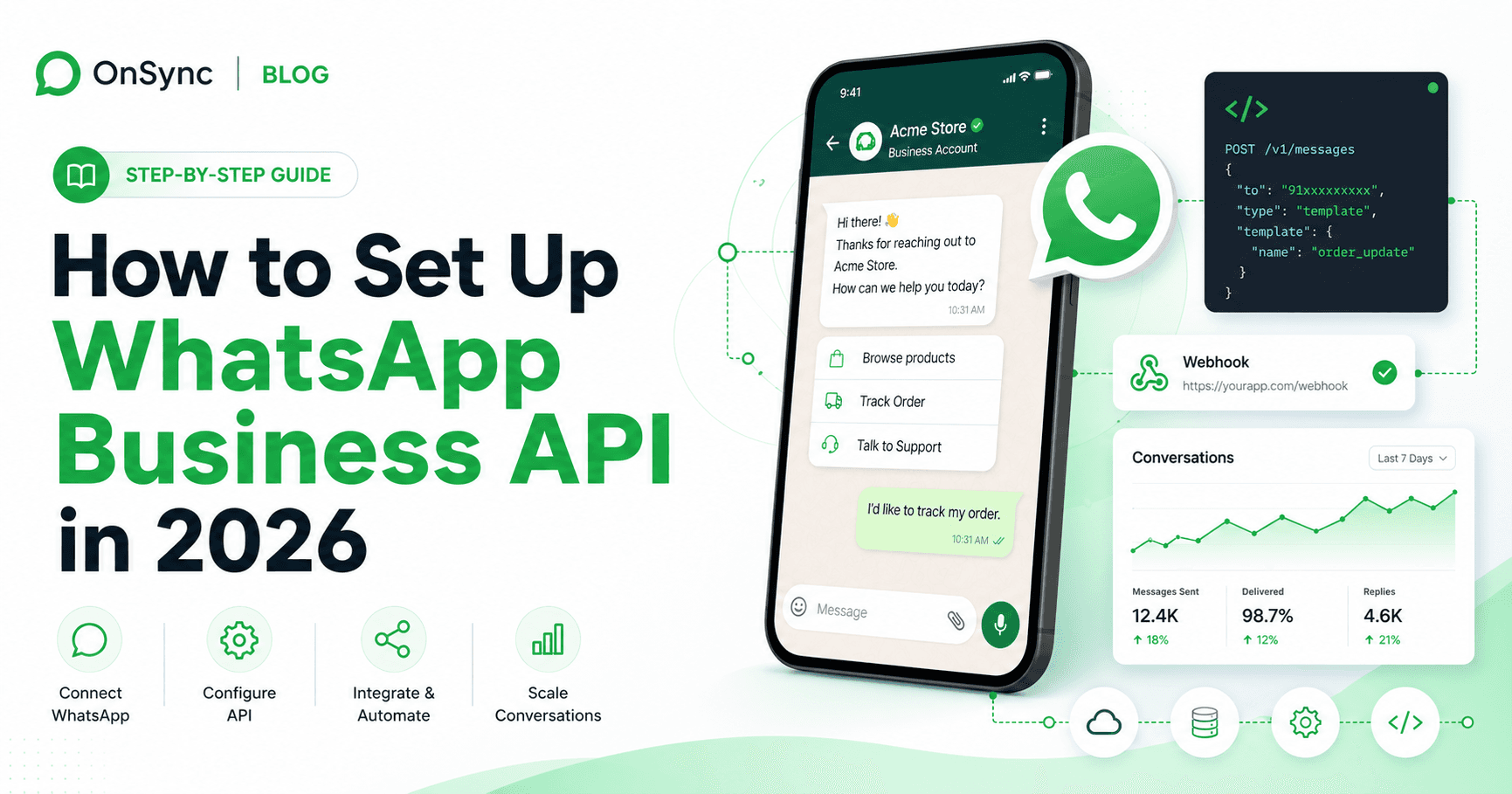
A practical 2026 WhatsApp Business API setup guide for non-developers: plan Meta verification, phone number eligibility, provider choice, pricing, templates, and launch QA.
To set up WhatsApp Business API in 2026, prepare a Meta Business account, verify business details, choose direct Meta Cloud API or a provider, register an eligible phone number, create approved message templates, connect WhatsApp to an inbox or CRM, and test opt-ins, opt-outs, routing, and quality monitoring before launch.
If this page showed up in search, you are probably not looking for a definition of WhatsApp Business API. You need to know whether your business is ready, what Meta will ask for, whether to use Cloud API directly or a provider, how pricing works, and what can block launch.
This guide is written as a setup checklist for operators who want the practical provider-led path. Use it before you touch Meta Business Manager, migrate a phone number, or promise your team a go-live date, without needing to build the API stack yourself.
Before you start the application, collect the items below. This is where many teams lose days.
There are usually two cost layers: Meta messaging fees and the software or provider cost you use to operate the channel.
Meta pricing is based on the message category and recipient market. Check Meta's official WhatsApp Business Platform pricing documentation before making final cost projections because rates and billing rules can change.
| Cost layer | What it covers | What to check |
|---|---|---|
| Meta messaging fees | Charges for WhatsApp messages based on category, country, and volume rules | Your top customer countries, expected monthly sends, and split between marketing, utility, authentication, and service conversations |
| Direct Cloud API build cost | Engineering time to connect webhooks, templates, contact records, security, logging, analytics, and agent workflows | Whether your team can maintain the integration after launch |
| Provider or platform fee | Shared inbox, campaigns, automation, AI replies, template tools, support, and reporting | Seats, message volume, campaign limits, onboarding help, and support quality |
| Operational cost | Agent time, template review, opt-in management, campaign QA, and quality monitoring | Who owns weekly reporting and who pauses risky campaigns |
For a direct build, the API itself is only one part of the system. You still need authentication, webhooks, retries, template status, agent routing, opt-out logic, reporting, and failure handling. For a provider setup, compare total cost against the time saved and the workflows included.
Meta Cloud API is the direct technical route. A provider or BSP adds the operating layer your team uses every day.
| Option | Best for | You are responsible for | Practical tradeoff |
|---|---|---|---|
| Direct Meta Cloud API | Teams with developers who want maximum control | Webhooks, token security, templates, contact storage, inbox logic, automations, analytics, and support tooling | Lowest platform dependency, but highest internal build and maintenance load |
| Provider or BSP | Teams that want faster launch and managed workflows | Choosing the right platform, verifying costs, training the team, and monitoring quality | Faster path to business value, but you pay platform fees and should verify data/export flexibility |
| OnSync | Teams that want WhatsApp plus Instagram, Facebook, Telegram, AI replies, campaigns, and shared team ownership | Preparing business evidence, approving templates, and defining team workflows | Practical option when the goal is not just API access but running customer conversations with a team |
Choose direct Cloud API if you have engineering bandwidth and the API will become part of a custom product. Choose a provider if the business goal is customer messaging, campaigns, sales follow-up, or support operations.
Create or review the Meta Business account that will own the WhatsApp Business Account. Confirm admin access, legal business name, business address, website, email domain, and billing information before starting verification.
Submit verification details only after your documents and public business information match. Mismatched names, old addresses, weak websites, or generic email domains can slow review.
Decide whether your team will connect directly through Meta Cloud API or use a provider. If you go direct, start from Meta's official Cloud API getting started guide. If you use OnSync, define the inbox, routing, automation, and campaign requirements before onboarding.
Pick the number that will represent the business. It must be able to receive SMS or voice calls. If the number is already active on WhatsApp or WhatsApp Business App, plan the migration carefully so you do not lose access or surprise customers.
Draft the first templates before launch. Start with practical utility and authentication templates such as order confirmations, appointment reminders, payment updates, login codes, and support follow-ups. Add marketing templates only when opt-in proof and audience segmentation are ready.
Connect the API to the place where people will work. For most teams, that means a shared inbox with assignments, notes, contact history, campaign context, AI-assisted replies, opt-out enforcement, and CRM or ecommerce data.
Before announcing the number, test inbound messages, outbound templates, opt-outs, agent handoff, routing rules, notifications, reporting, and failure cases. Run tests with real internal numbers, not only a happy-path demo.
Start with a small, opted-in audience. Monitor delivery, replies, blocks, opt-outs, template status, and quality rating before scaling broadcasts or automation volume.
Getting API access is only the start. The real question is how your team will use WhatsApp every day without sharing phones, missing replies, or sending risky campaigns.
Use OnSync when the setup goal is not only connecting an API endpoint but giving the team a reliable operating system for customer conversations.
| Blocker | Why it happens | How to avoid it |
|---|---|---|
| Business verification rejected | Legal name, address, website, or documents do not match | Align public website, email domain, legal documents, and Meta Business details before submission |
| Phone number cannot register | The number is still active on WhatsApp or cannot receive verification | Use a clean dedicated number or plan migration before attempting registration |
| Templates rejected | Copy is too vague, too promotional for the category, or missing context | Write templates around a specific customer action and pick the correct category |
| Opt-in proof is weak | The business cannot show where users consented to WhatsApp messages | Keep screenshots, URLs, form copy, checkout text, and timestamps for capture points |
| Quality rating drops after launch | Early sends are too broad, irrelevant, or poorly timed | Start with high-intent opted-in contacts and scale only after reply and block signals look healthy |
| Team cannot keep up | The API is live but routing, assignment, and ownership were not designed | Configure queues, owners, SLAs, notifications, and escalation before announcing the channel |
Use this before sending your first campaign or turning WhatsApp into a public support channel.
A healthy WhatsApp API setup is measured weekly, not just at launch.
| Metric | Why it matters |
|---|---|
| First response time | Shows whether the team can handle inbound volume without losing leads or support requests |
| Template approval rate | Reveals whether message copy and categorization are aligned with policy and customer intent |
| Opt-out and block rate | Early warning that messages are irrelevant, too frequent, or sent to weak opt-ins |
| Quality rating | Protects sending limits and number reputation |
| Conversation-to-revenue or resolution | Connects WhatsApp activity to business outcomes instead of raw message volume |
| Campaign reply rate | Shows whether outbound WhatsApp is creating conversations, not just deliveries |
You can connect directly to Meta Cloud API, but most businesses still have costs. Meta messaging fees may apply, and you may also pay for development, hosting, monitoring, support tooling, or a provider platform.
It depends on business verification, phone number readiness, template approval, and the setup path. A prepared provider-led setup can move quickly, while a custom direct Cloud API build can take longer because your team must build and test the operating layer.
Sometimes, but the number usually cannot remain active on the regular WhatsApp or WhatsApp Business App during API registration. Plan the migration carefully before disconnecting a number customers already use.
You usually need developer support for direct Cloud API because you must handle webhooks, tokens, templates, data storage, retries, and integrations. With a provider like OnSync, non-technical teams can usually launch faster because the inbox, automation, and reporting layer already exists.
Yes. Templates are required for many business-initiated messages, including utility, authentication, and marketing use cases. Customer replies inside the service window can usually be handled as support conversations.
The easiest path for most teams is to prepare verification evidence, use a dedicated phone number, start with utility templates, and connect through a provider that includes shared inbox, template workflows, automation, opt-out handling, and reporting.
OnSync helps businesses connect WhatsApp Business API to a shared inbox, campaigns, AI replies, automation, and customer context across WhatsApp, Instagram, Facebook Messenger, and Telegram.
Transform your business communication with OnSync's powerful WhatsApp automation platform.