OnSync
ProductPricingResourcesContact
Sign In
OnSync

Transform your WhatsApp Business operations with enterprise-grade features and elegant simplicity.

Product

  • Features
  • WhatsApp Business API
  • WhatsApp Business CRM
  • Shared Team Inbox
  • Instagram Automation
  • WhatsApp Marketing
  • E-commerce Automation
  • Telegram for Business
  • In-Chat Booking
  • Pricing
  • Blog
  • Chat Button Generator
  • Security

Resources

  • Help Center
  • API Docs
  • Channel Guides
  • AI Knowledge Feed

Legal

  • Privacy
  • Terms
  • Cookies
  • Data Deletion

© 2026 OnSync. All rights reserved.

OnSync - Featured on Startup Fame
  1. Home
  2. /
  3. Blog
Back to Blog
Automation

WhatsApp Auto Reply Playbook: Smart Triggers + AI Handoffs

Use OnSync Smart Triggers, AI Agent tone controls, and workflow automation to respond to every WhatsApp message instantly without sacrificing personalization.

OnSync Automation Studio
December 21, 2025
10 min read
Share:
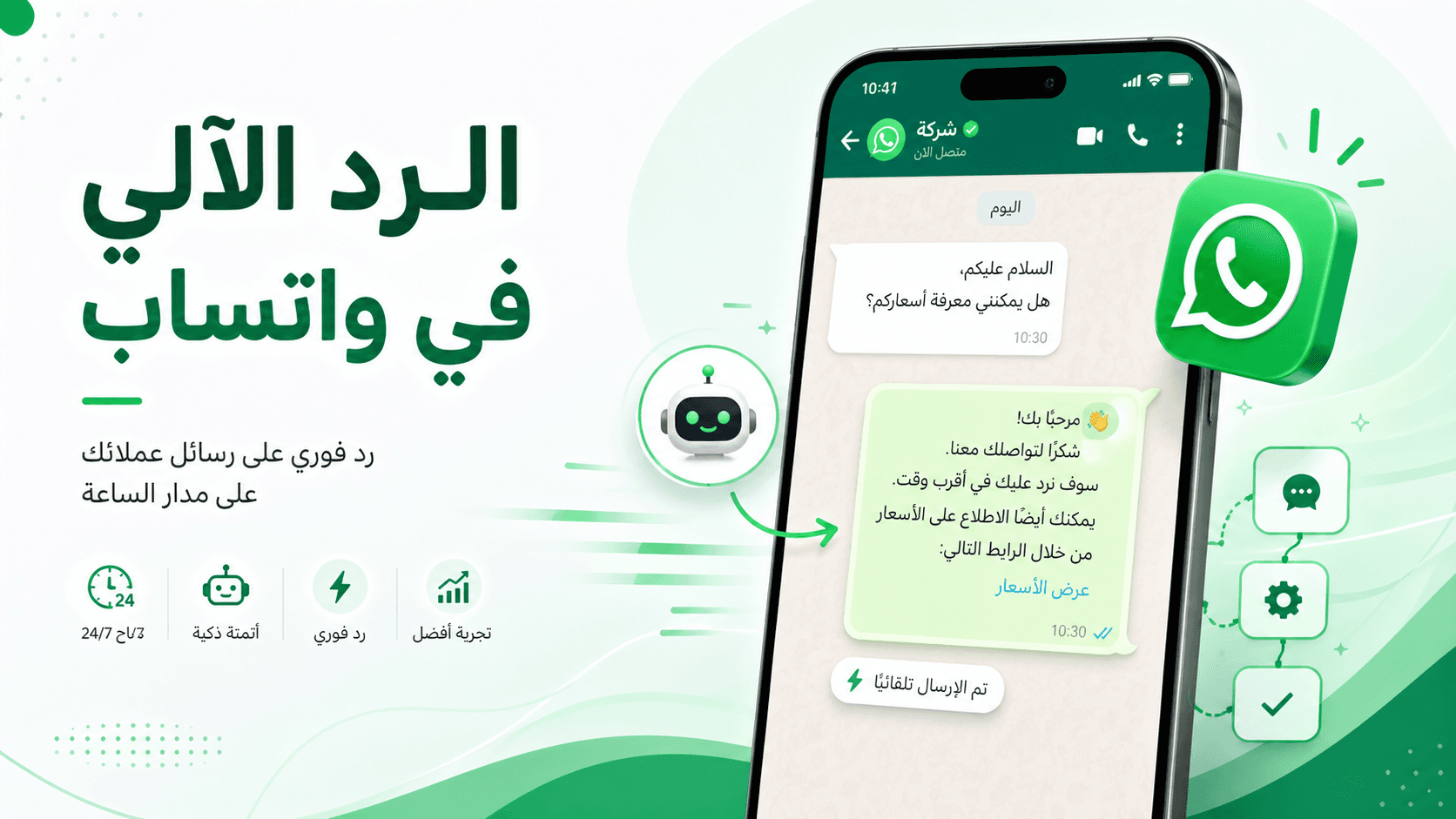
Automation workspace showing WhatsApp auto reply routing inside OnSync
Automation Playbook

Auto Replies That Feel Human and Keep WhatsApp Quality Scores Green

Your audience expects a response in minutes, not hours. OnSync auto replies combine Smart Triggers, AI Agent context, and workflow timers so every message is acknowledged instantly, routed correctly, and escalated when needed. This guide walks through configuration, personalization, and measurement.

< 60 sec

Average time to acknowledge inbound WhatsApp when Smart Triggers fire.

92%

Conversations resolved without leaving the SLA window after AI + workflow routing.

5 mins

Setup time to add new intents or languages thanks to knowledge-grounded AI.

Map Your Auto Reply Scenarios

Start with the top intents your WhatsApp queue sees: order updates, pricing, demos, support escalations. OnSync lets you create Smart Trigger logic for each scenario and decide what the auto reply should accomplish (acknowledge, collect info, handoff).

New lead opt-in: greet, set expectation, link to booking page, and tag sales.
Existing customer: confirm account details, provide self-service options, and notify current owner.
VIP escalation: auto-answer with SLA commitment and alert leadership channels immediately.
After-hours support: acknowledge, gather context, and open a ticket before the team returns online.

Build Smart Trigger Logic

Smart Triggers detect keywords, tags, or source campaigns to determine the correct response. They can also fire webhooks, create tasks, and update CRM records.

Trigger Recipe
  1. Intent detection: look for SKU keywords, order IDs, or CTA parameters.
  2. Reply selection: choose AI Agent, static template, or mixed approach.
  3. Routing action: assign to queue, notify owner, or escalate if SLA soon to breach.
  4. Follow-up tasks: create CRM note, schedule delayed reminder, or open helpdesk case.

Keep Guardrails and Tone Controls

Auto replies should feel on-brand while staying compliant. OnSync gives you AI governance with a single click.

Tone presets

Switch between concierge, professional, or playful voice per queue to keep messaging consistent.

Escalation rules

Force human takeover for large orders, financial disputes, or VIP segments even if AI can answer.

Approval workflow

Require managers to approve new intents or copy changes before going live.

Source citations

AI responses include references from your knowledge base to satisfy QA and compliance.

Support Multiple Languages

Many organizations operate across regions. OnSync detects locale preferences via contact fields, templates, or message content, then serves the correct language.

Localization Tips
  • Create separate Smart Trigger branches per locale with unique copy and escalation owners.
  • Upload multilingual FAQs into the AI Agent knowledge sources so citations stay accurate.
  • Store timezone and language preferences on the contact record for faster detection.
  • Respect opt-in status by region; OnSync logs consent channel and timestamp for audits.

Measure Auto Reply Impact

After automation goes live, track service levels and sentiment to prove success.

Key KPIs
  • Auto-reply coverage (% of sessions acknowledged via Smart Triggers).
  • SLA streak (hours or days without a breach after automation rollout).
  • CSAT or NPS delta when first reply sets clear expectations.
  • Human workload reduction (messages resolved by AI vs. those requiring manual input).
Governance + Next Steps

Document every trigger, tone rule, and escalation path so compliance teams stay informed.

Auto Reply Governance Checklist
  1. Store Smart Trigger diagrams in a shared knowledge base.
  2. Review AI Agent analytics weekly to spot drift or training needs.
  3. Maintain an approval log for copy updates, languages, and new intents.
  4. Schedule quarterly disaster tests to ensure escalation alerts fire correctly.

Ready to deploy? Book an automation audit and our team will design your WhatsApp auto reply system, from knowledge upload to analytics.

Internal linking

Keep this topic connected

These links connect the article to adjacent guides, cluster hubs, and product paths so the topic keeps building context instead of ending on a dead end.

Related articles

Automation

AI vs Human Support (and How to Combine Both)

See the operating model for pairing AI copilots with human experts inside OnSync across WhatsApp, Instagram, and chat.

->
Automation

How to Build an Instagram Bot with No Code (OnSync Automation Guide)

Launch an Instagram DM bot in under 30 minutes using OnSync’s visual automation builder, templates, and AI—no engineering required.

->
Automation

How to Build a WhatsApp Bot with No Code | OnSync

Deploy a WhatsApp Business bot in minutes using OnSync’s BSP connection, message templates, and AI routing—no engineers required.

->
Automation

10 WhatsApp Business Automation Strategies That Actually Work in 2024

Discover proven automation strategies that successful businesses use to scale their WhatsApp customer service and increase efficiency by 300%.

->

Automate WhatsApp Replies in OnSync

Meet with our automation studio to deploy Smart Triggers, AI guardrails, and SLA alerts across your inbox.

Start Free Trial